YouTube Music × Wear OS
Part 1 of 2
Material 3 Expressive: Making YouTube Music Feel Modern on Wear OS
Turning Google's new design guidelines into a color system and tiles.
‹
›
The product
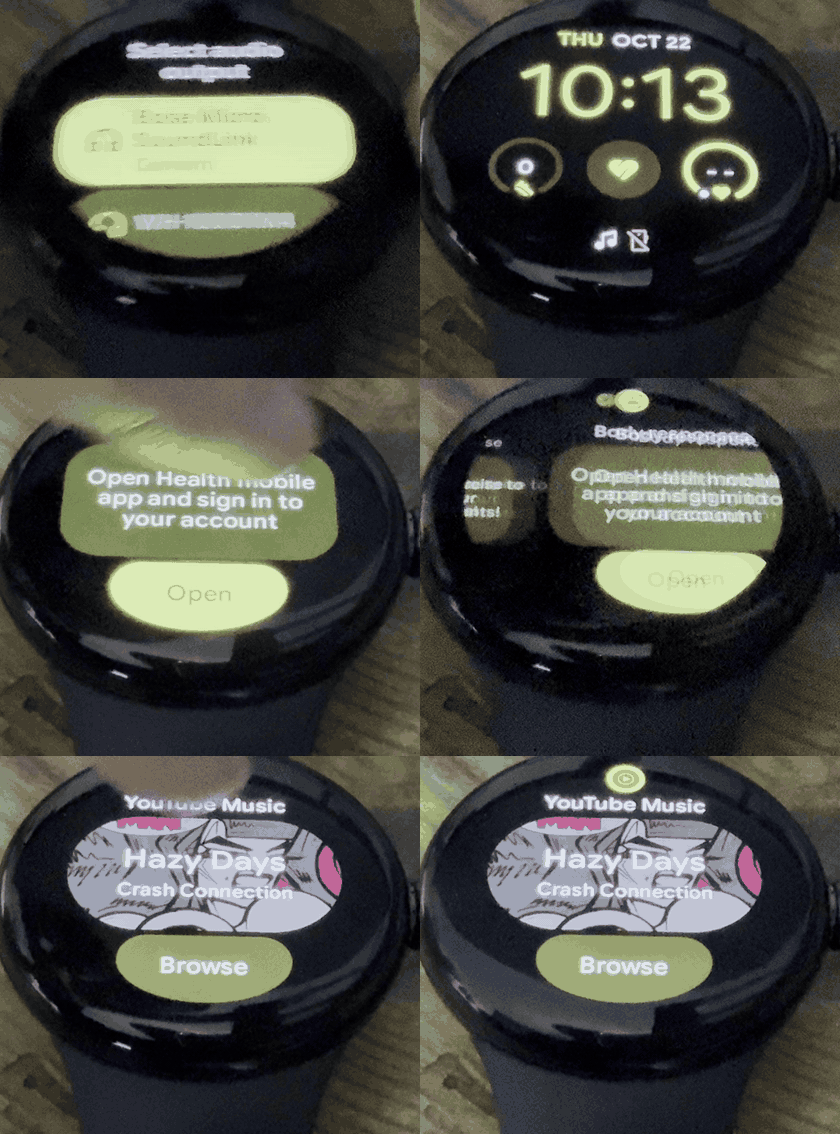
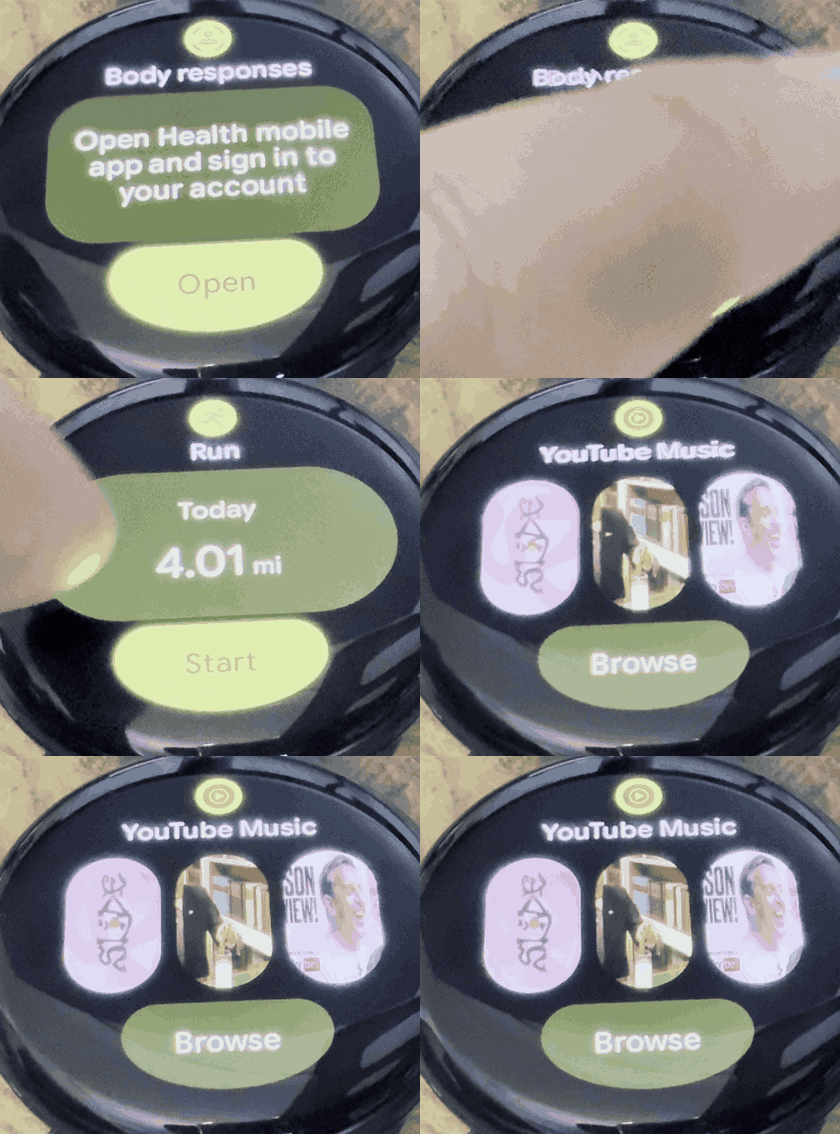
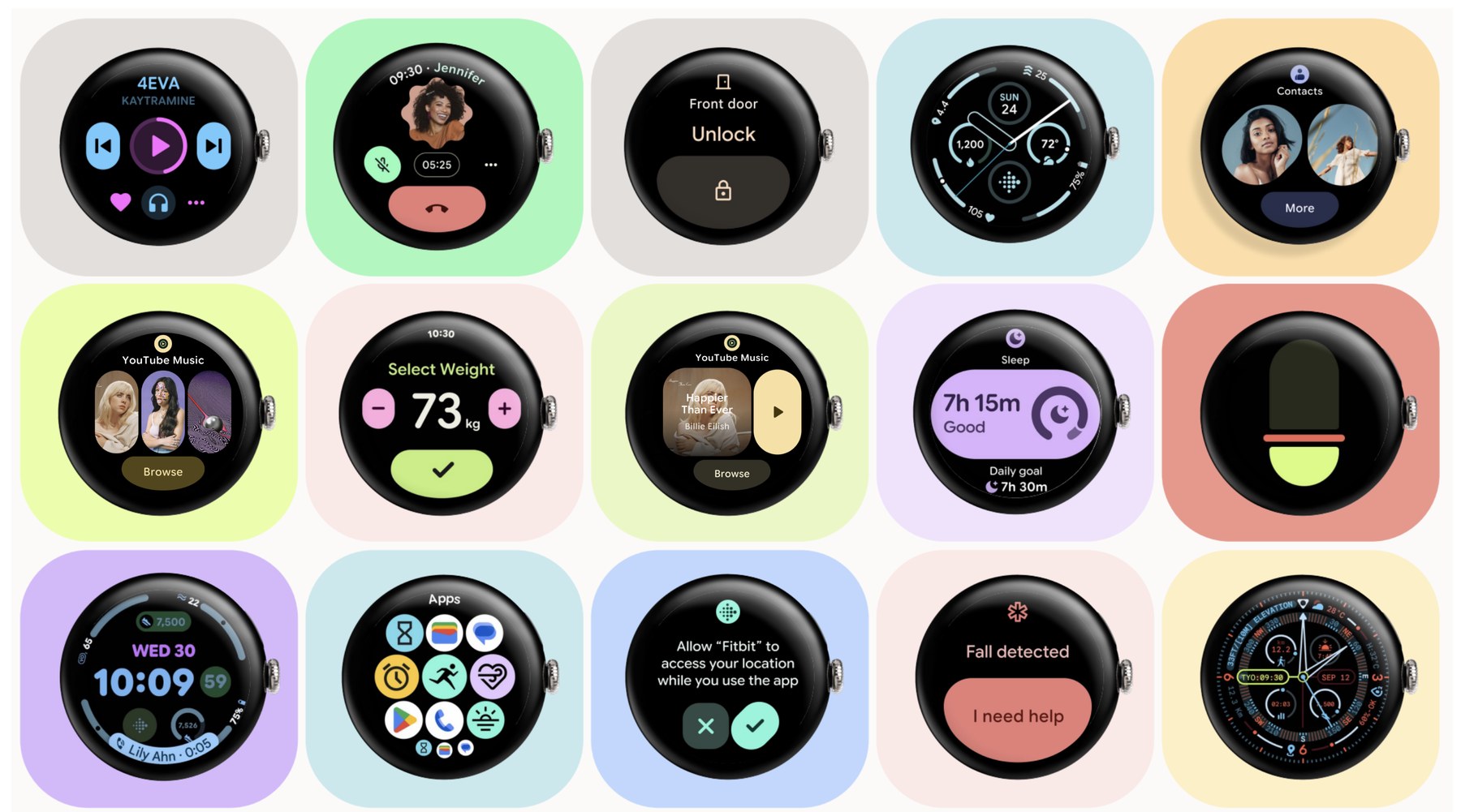
The YouTube Music tile on a Wear OS watch, shown in two states.
Context
Why Google did it
Android was lagging iOS in premium sales, and Google's software wasn't resonating with Gen Z.
In ultra premium ($950+), iOS grew 8% while Android grew 2%. Figures as of 2024.
Among Gen Z, 40% intended to buy Android vs 60% iOS. Figures as of 2024.
The initiative
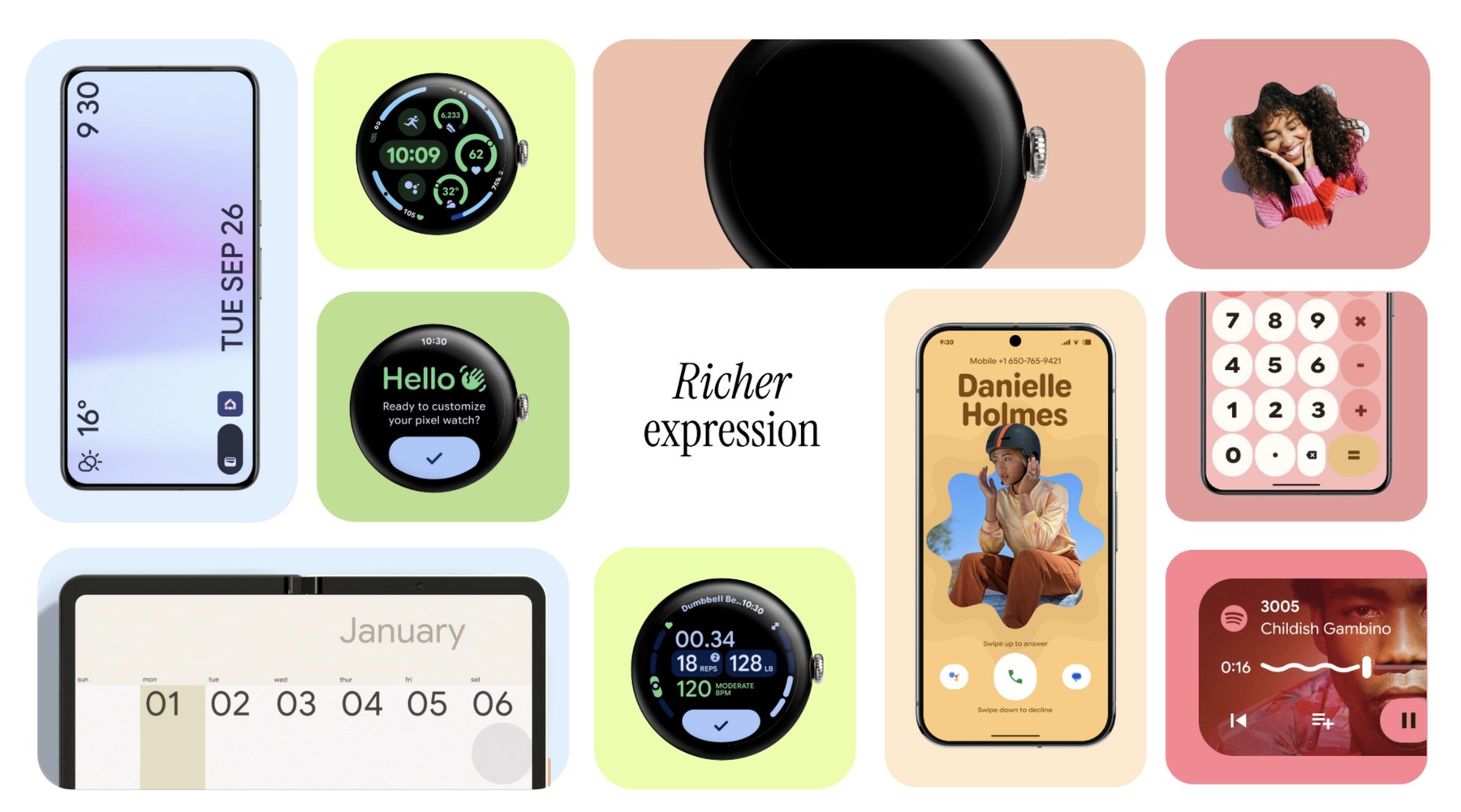
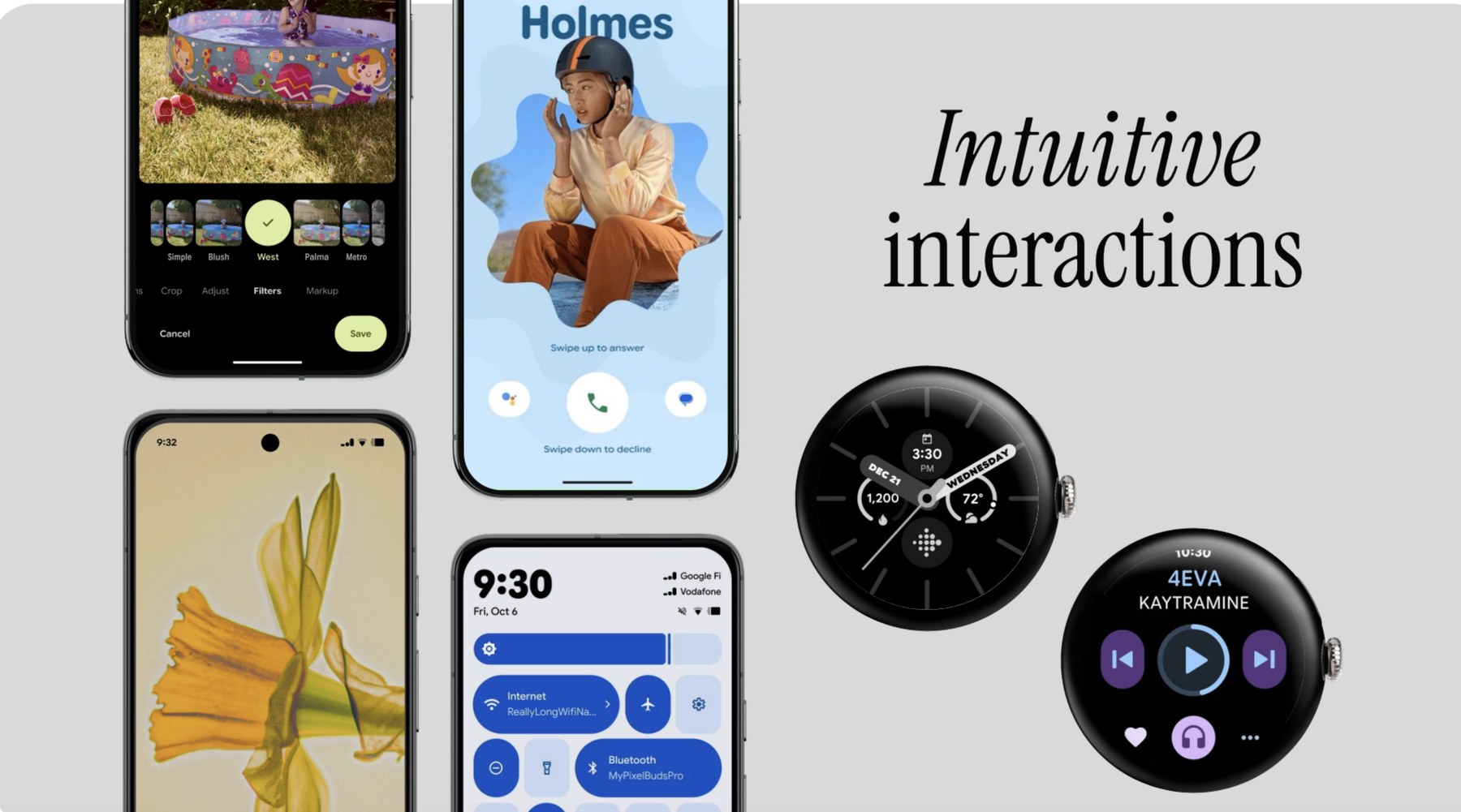
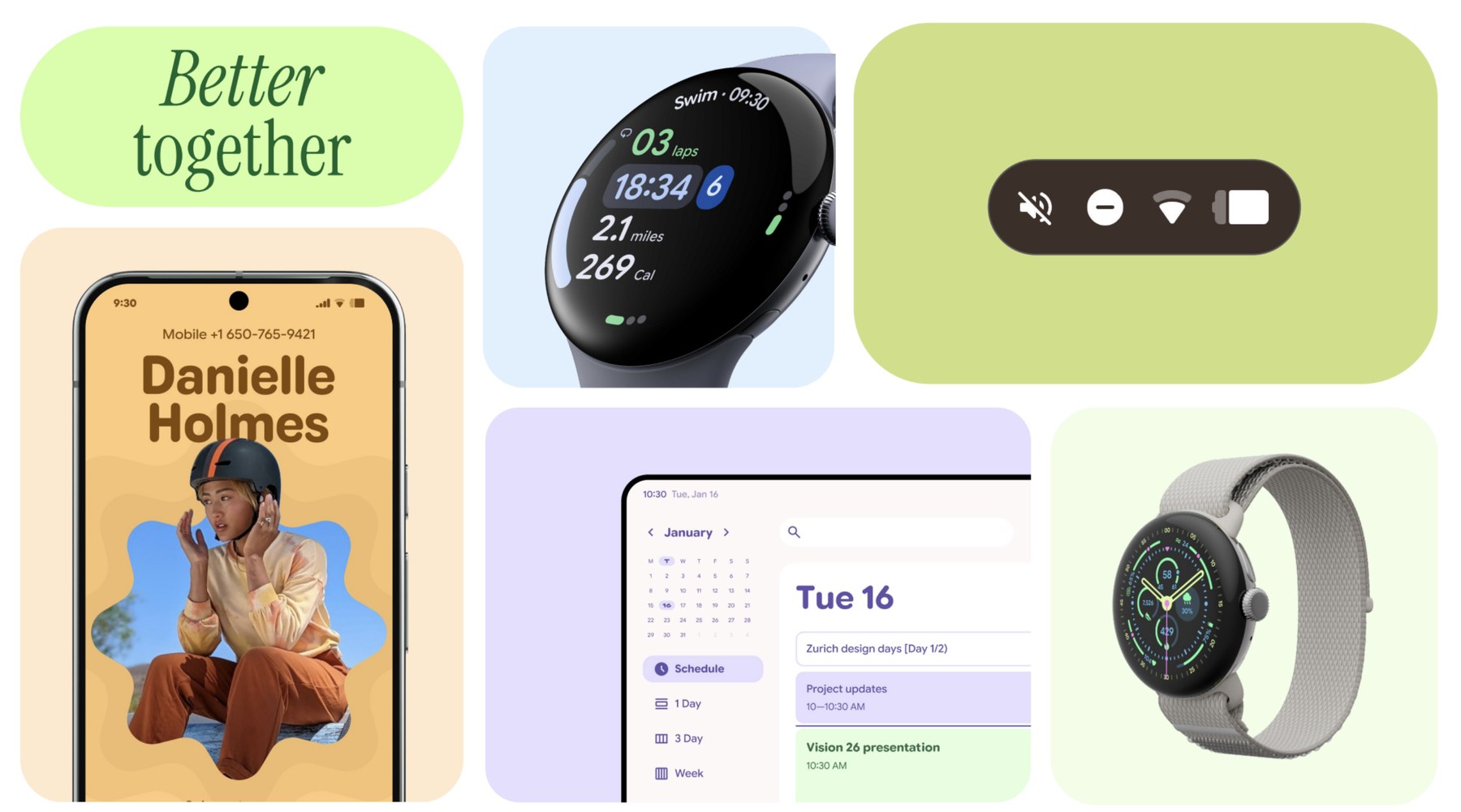
Material 3 Expressive was Google's cross-device design refresh, a push to make Pixel and Google apps feel current across phone, tablet, foldable, and watch.
The ask
First-party apps, including YouTube Music, update system UI, color, and tiles (Android's widgets) to the new standards.
The Wear team's specific asks for YouTube Music. Color and tiles were the focus.
The color theming ask: More expression, better readability, and dynamic color.
The constraint
A top-down mandate, not a user-reported problem. No brief on what to change, so the direction came from interpreting the guidelines.
My Role
What I owned
- Color system: selected and dim states, audited and standardized
- Tiles: ongoing playback and recently played states, over 3 rounds
- The workaround: the proposal, with my lead, that got the tile approved
Who I worked with
- Lead designer
- YTM design leadership: sign-off on direction
- Wear OS design and engineering: the other side of the YTM / Wear OS divide
Redesign part 1
Color System
- The problem: YTM on Wear OS leaned heavily on black, white, and grey, flat and low on personality. The goal was more expression and readability without breaking brand.
- The process:
- Audited three existing color systems: YTM production, YTM's system-wide UI, and YouTube's own palette.
- Standardized selected and dim states using YTM's actual brand colors.
- Leaned on white as the main lever: YTM doesn't use color casually, so most of the pop came from smarter use of what was already there.
- The outcome: The new color system shipped in the live app.
1 · The audit
Three systems in play, reconciled into one.
YTM production, YTM system-wide UI, YouTube, and Google baseline color, compared side by side.
The question: how do we make YTM on Wear OS more expressive, dynamic, and readable?
2 · The process
Mapping YTM's colors onto the new theme, then fixing selected states.
Opportunities to improve and standardize the color system: production and YouTube foundation colors, mapped to the new theme.
Opportunities to improve selected states, before and after.
3 · The result
White as the accent, in one theme.
The final color theme, built almost entirely from colors YTM already used.
Redesign part 2
Tiles
- The problem: Tiles give glanceable, actionable info without opening the app. The existing YTM tile had 4 states, but two of the most used, ongoing playback and recently played, gave no sign of whether a track was playing or how far in it was.
- The process: three rounds of redesign.
- Round 1: explored shapes, album art layouts, and playback indicators (scrubbers, progress bars, play/pause icons). Feedback: album covers warped under some shapes, and touchpoints were unclear, since tapping the title and the image did different things.
- Round 2: refined orientation while still testing multiple touchpoints. Feedback: progress bars were visually noisy next to other elements. "Less is more."
- Final round: three stripped-down options with no progress bar. I went with the one offering the fewest touchpoints and the biggest tap targets, for low cognitive load on a glance-and-go interaction. Deeper actions live one tap away, inside the media player.
- The outcome: YTM's design leadership approved the final tile. Wear OS engineering pushed back on live pause/play from the tile, so the version that shipped behaves differently from the one we proposed.
1 · Where it started
The current tiles, and the new layout we had to fulfill.
The current tiles in production, in four states.
The ask: a new tile layout, with Slot 1 for custom design and a title and button for every app.
2 · How feedback shaped it
Each round narrowed the tile toward less.
Round 1: four options exploring shape, orientation and ongoing playback. Feedback: warped album covers and unclear touchpoints.
Round 2: refined orientation, but progress bars were visually noisy.
3 · Where it landed
Fewest touchpoints, biggest tap targets.
The final round: three stripped-down options, no progress bar.
4 · The proposed behavior
Approved by YTM design leadership, then sent to Wear OS for review.
The proposal across states: album artwork goes to playback and the Browse button goes to the home page, with pause/play on the tile itself.
5 · Engineering pushback
Wear OS engineering questioned pause/play from the tile.
Engineering worried the tile wouldn't update fast enough after a pause/play tap. It might be possible later, but not this release. Our workaround: pause/play opens the media player in the right state.
The workaround: no inline action, so pause/play opens the player.
6 · What shipped
Due to engineering limitations, the tile couldn't show active playback controls. It would have required a big technical overhaul.
Shipped: the tile shows what's playing, with no inline play/pause. See it in action in The product ↑
The design strategy:
- A tile is glance-and-go, so every extra element costs attention. Fewer touchpoints and bigger targets beat showing more information.
- Keep the deeper actions one tap away, inside the media player, rather than crowding them onto the tile.
Takeaways
What I'd carry forward
- The real obstacle was organizational. Cross-team silos, in both design and engineering and on both the YTM and Wear OS sides, mattered more than the design problem itself.
- What ships can differ from what's approved. Organizational limits, timelines, and engineering capacity can change the design after sign-off, so I plan backup options.
- Research gives subjective choices a spine. With an ambiguous, mandate-driven brief, grounding decisions in existing research, even research done for a different project, gave visual choices real justification.
How this differs from the Output Switcher
That project began with a user need. This one began with a mandate, and its core tension was organizational: siloed teams and feasibility conflicts, more than what users wanted.
Press
Next case study
Output Switcher: Bringing Device Switching Into YouTube Music's Wear OS Player
This one began with a top-down mandate and no brief. The next started from a user need.